HTTP 511 Network Authentication Required
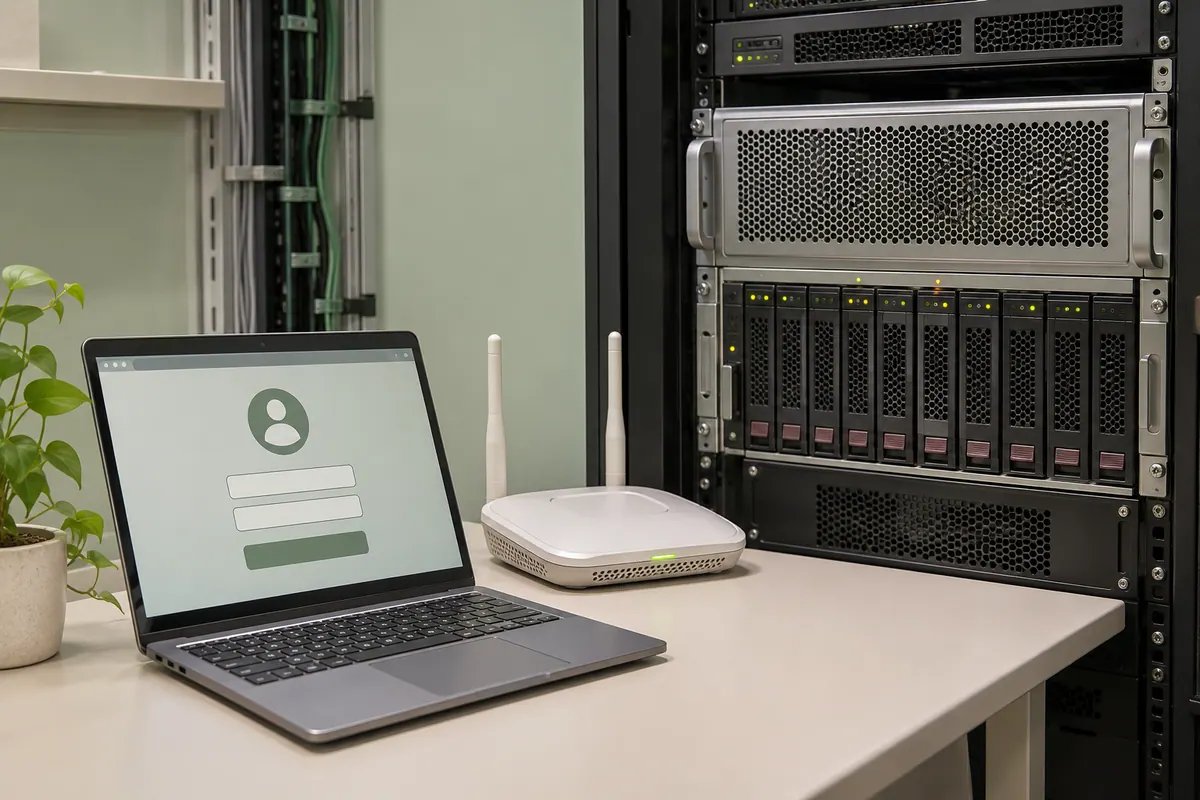
HTTP 511 Network Authentication Required signals that a client must authenticate to gain network access. An intercepting network device, such as a captive portal for guest Wi-Fi, can use 511 to direct the client to its login process.
Complete network sign-in on the affected device
Use the operating system’s network sign-in prompt or ask the network operator for its official portal. Once access is granted, try the same site again. If you inspect a trace, check which network inserted the response and consult its published sign-in instructions.
Check where the proxy request originated
TestMyProxies makes its network requests from a server, so a portal on your laptop can affect your connection to the tester separately. If a local client alone encounters 511, verify its network access first. If an HTTP proxy challenges for its own credentials, look for 407 Proxy Authentication Required.
Where a captive portal can enter the request path
At a hotel, for example, a laptop may join Wi-Fi and reach the local gateway while the operator still requires network sign-in. On a detectable HTTP request, the network can return a 511 page that links to a portal. For HTTPS, the client may instead report a connection or certificate error before it can read an HTTP response. The operating system’s trusted network sign-in flow is the right place to start.
Compare the same client before and after signing in
Use a simple request from the affected device and check the browser or operating system’s network status. If connecting through a work network or guest network, ask which portal and credentials that network uses. After signing in, confirm that an ordinary request completes before testing a proxy on the same device. If the website asks for its own login afterward, inspect its 401 response as a separate step.