HTTP 521 Cloudflare Web Server Is Down
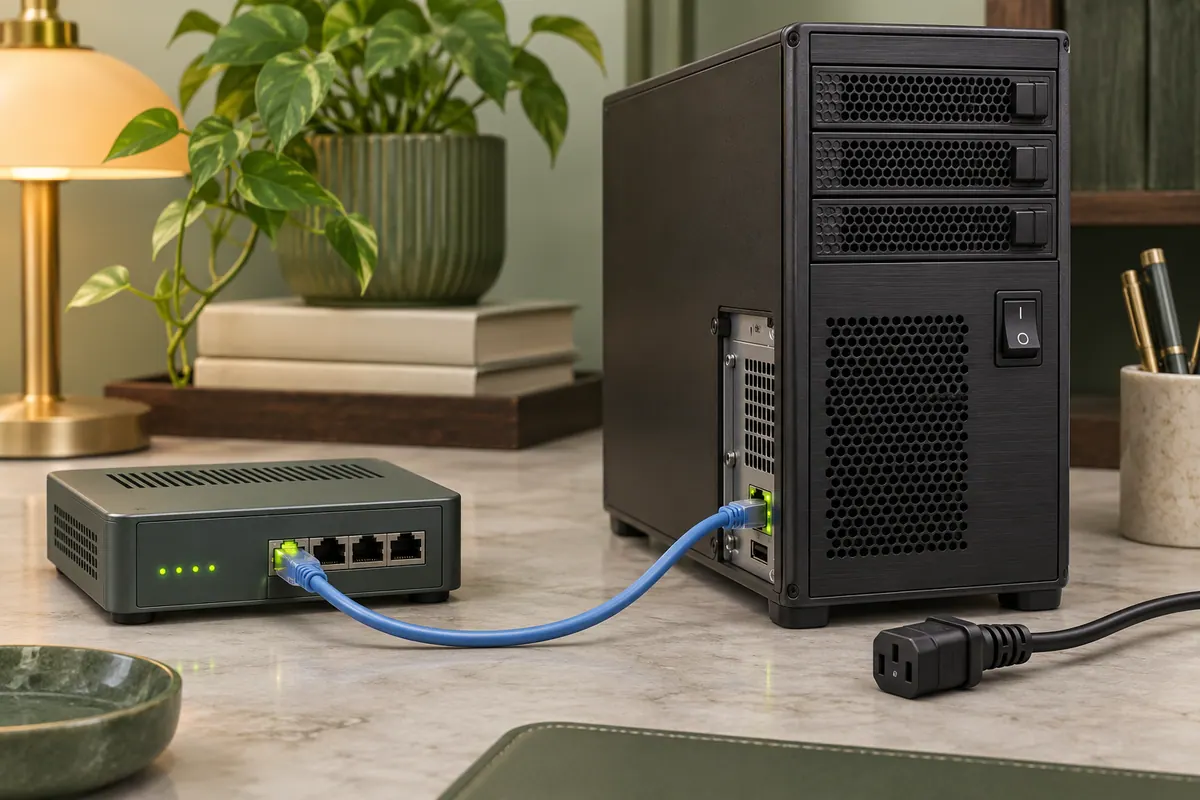
Cloudflare returns 521 when the origin server refuses a connection from its edge. The web server may be stopped or listening on a different port. Origin security rules can also block legitimate edge traffic.
Check the service reached by Cloudflare
If you operate the site, verify the active listener and check whether its port matches the origin connection settings. Review firewall decisions for the timestamp of the error and check Cloudflare’s published ranges against the policy you intend to apply.
Read refusals and timeouts in context
A visitor can report the failing URL and Cloudflare Ray ID to the site owner. If the logs show an unanswered connection attempt or missing data after setup, consult 522 Connection Timed Out for the corresponding checks.
Check whether the problem affects one origin
An origin can answer for one public hostname but refuse another if those names point at different backends, ports, or listener configurations. Compare the failed hostname with a healthy one and verify which origin each uses. If the affected service was recently moved, check that the live address and port are the ones the edge contacts, then examine the origin and host firewall logs for a refusal at the corresponding time.
Check the connection the edge actually makes
A site might have a healthy local monitor on one listener while the edge reaches a different listener according to its TLS mode and origin configuration. A local health check therefore needs to cover the same port and host mapping. When engaging the host, include whether the error is continuous, whether it is tied to one site name, and when it first appeared.