HTTP 524 Cloudflare Origin Timeout
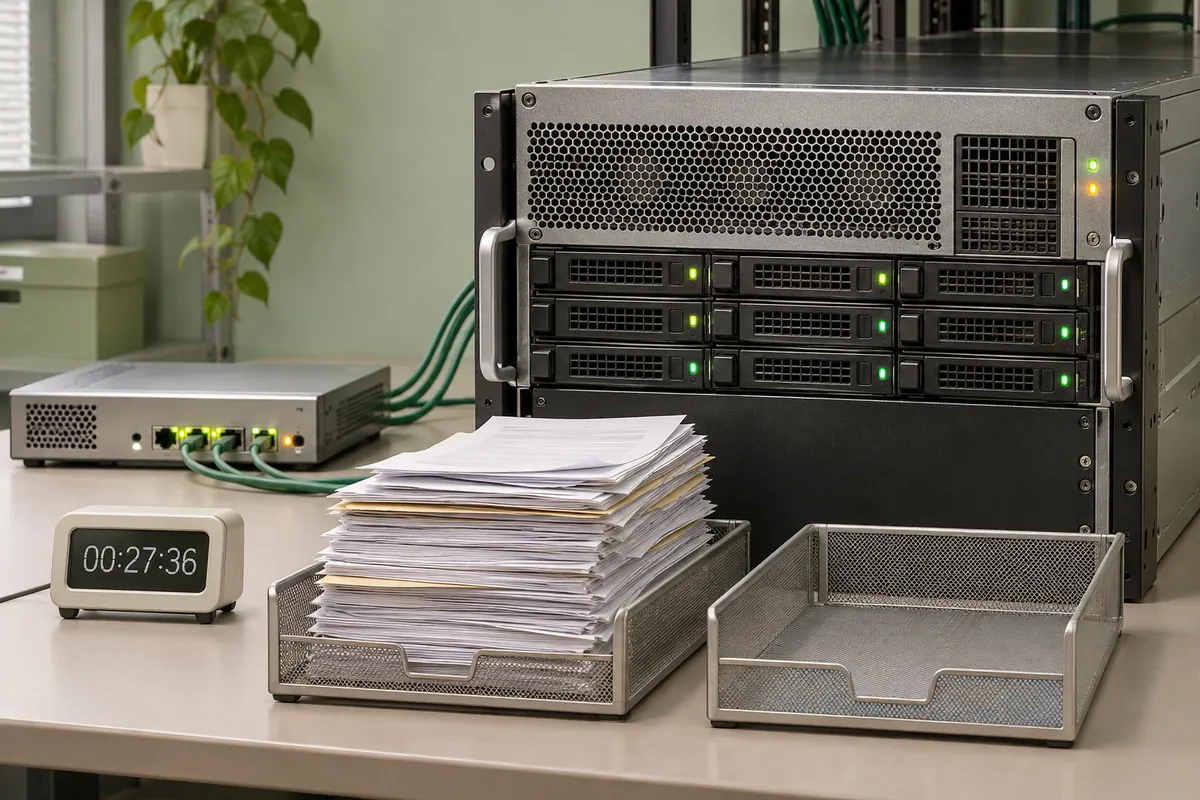
Cloudflare returns 524 when it connects to an origin and a subsequent read or write exceeds the applicable proxy timeout. Slow report generation, overloaded workers and stalled uploads can all contribute.
Check where time accumulated
Compare the error time with application requests, database work and the edge’s origin timing. If a large export keeps a connection open before returning its first bytes, consider the service’s supported background job workflow. For a stalled upload, confirm whether the origin consumed the request data in time.
Verify the original operation before retrying
The origin may still be processing after the visitor sees 524. Check the operation’s state before repeating a write. If the Cloudflare edge timed out while first contacting the origin, consult 522.
Look at when the first response bytes should arrive
Suppose a small status page loads immediately but a large report query reaches the edge timeout before the origin sends headers. Check the database query and worker queue for the report. If this delay is an expected part of the job, the application can accept the request and expose the progress in a documented API flow, for example a 202 Accepted response with a status endpoint.
Check the edge and application timelines together
Find the start time and first byte at the origin, then compare with the proxy’s documented read or write deadline. If a request uploads data, also inspect whether the origin stalled while reading the request body. A new attempt can create duplicate work if the first one ran after the edge ended the exchange. Use the application’s job history or idempotency mechanism when available.